
Little effort
One cable and one button per flat, installed in the shell. For existing buildings, battery-free wireless buttons are planned.
cosy-check gives every retirement flat a button from the building’s switch range. In the morning a small light glows in it, and a press in passing is enough. If the sign of life does not arrive, cosy-check quietly notifies the family. In a new build, you plan one cable and one button per flat.
cosy-check is a cosy-one module. We are happy to present the concept and planning notes to you in person.
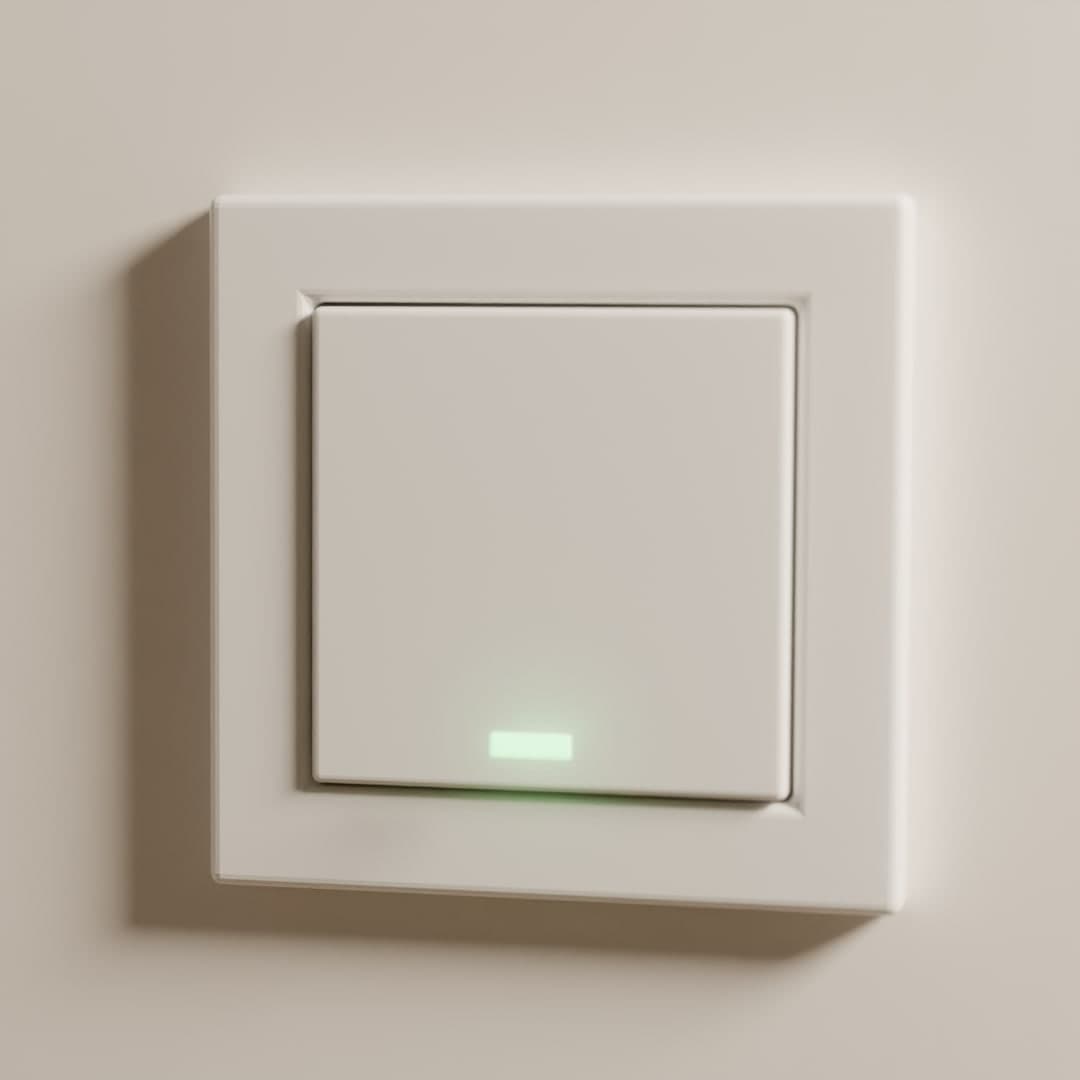
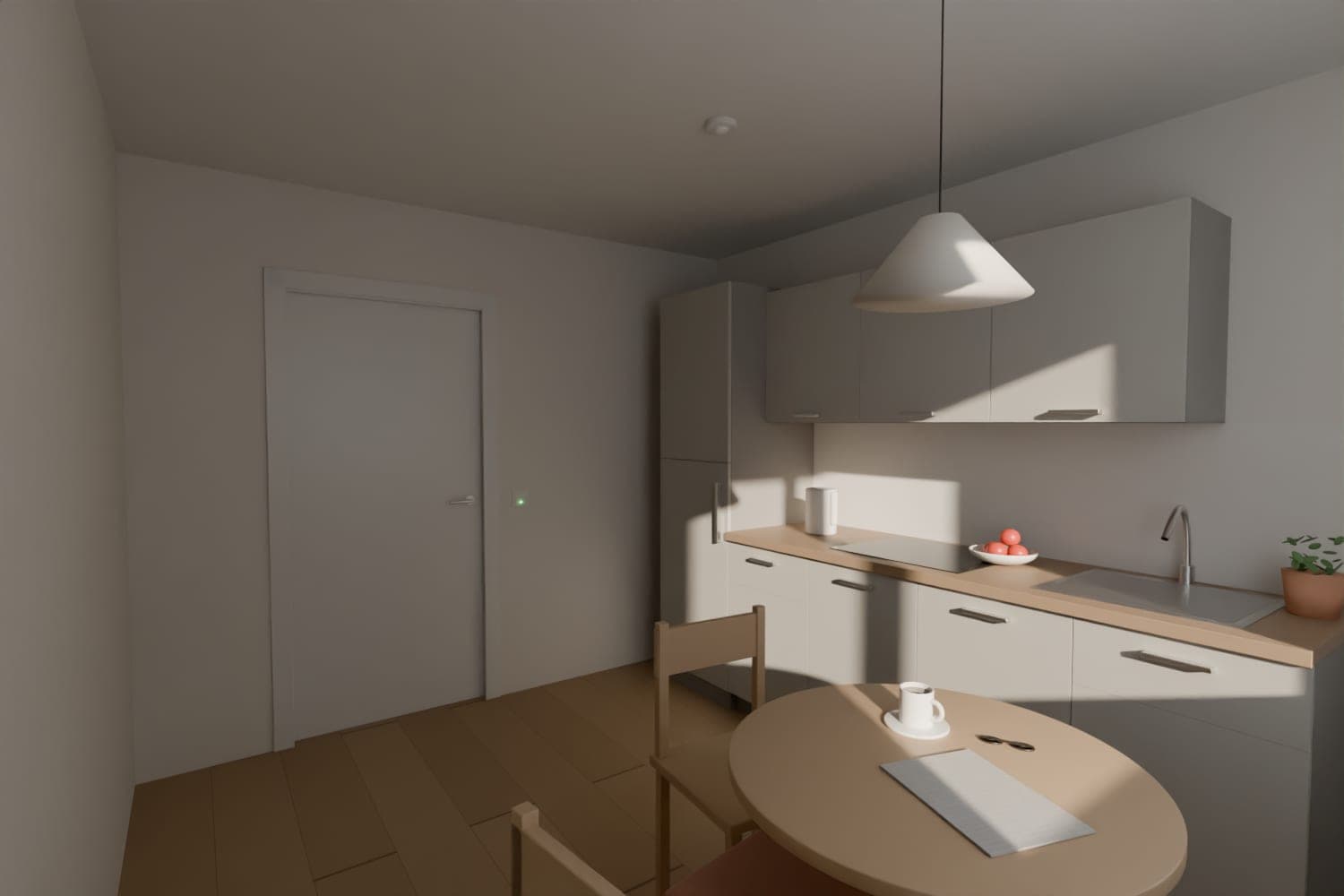
Take Mrs Keller. She is 84 and lives in a retirement flat. Every morning she makes herself a coffee in the kitchen. Next to the door, a small green light glows in a button. She presses it in passing, and the light goes out. That is all cosy-check asks of her.
One morning in February the light is still on at nine. Shortly afterwards her daughter receives a text message and calls. Mrs Keller overslept; all is well. On another day the same call can matter far more, for instance when someone has fallen and cannot reach the phone.
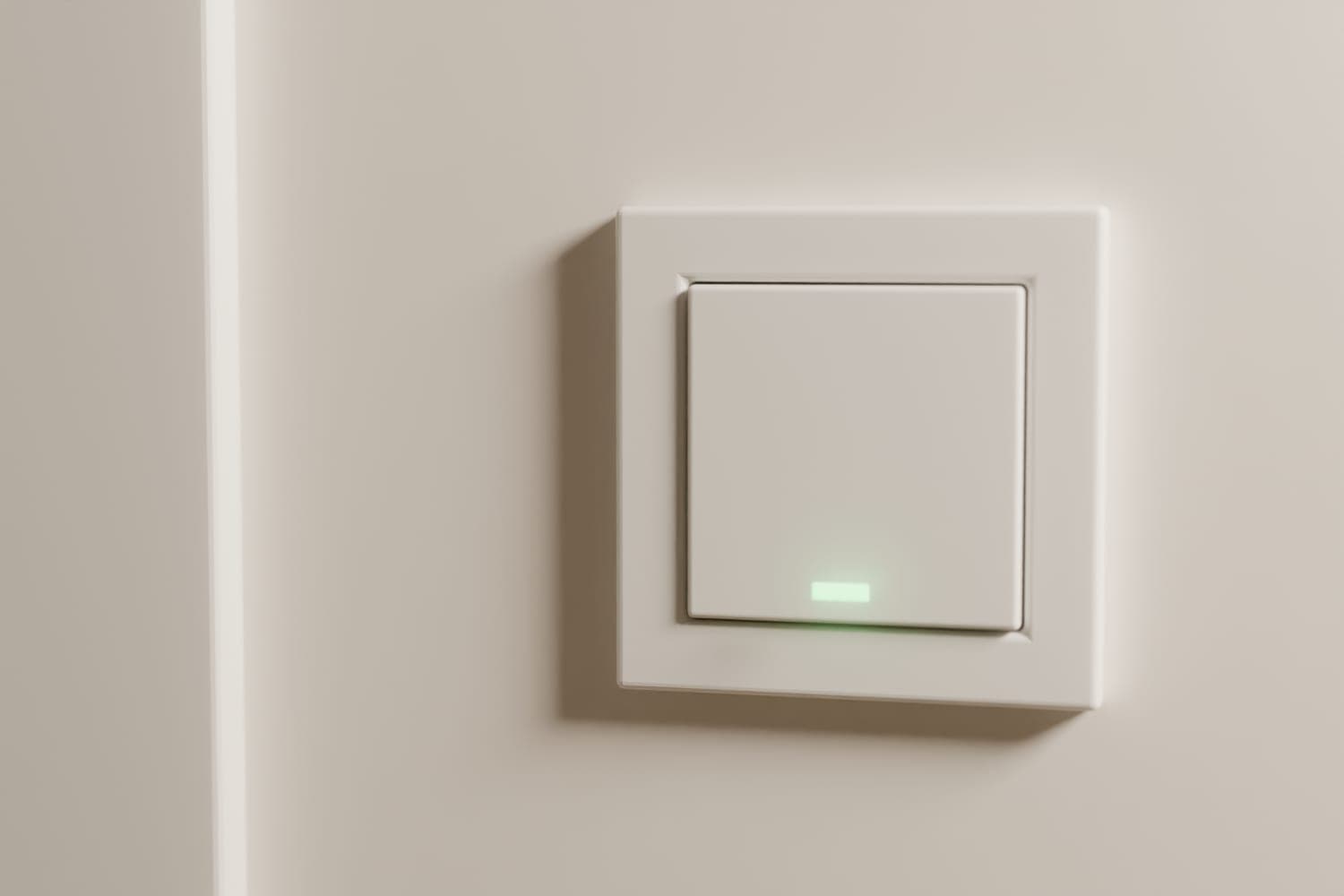
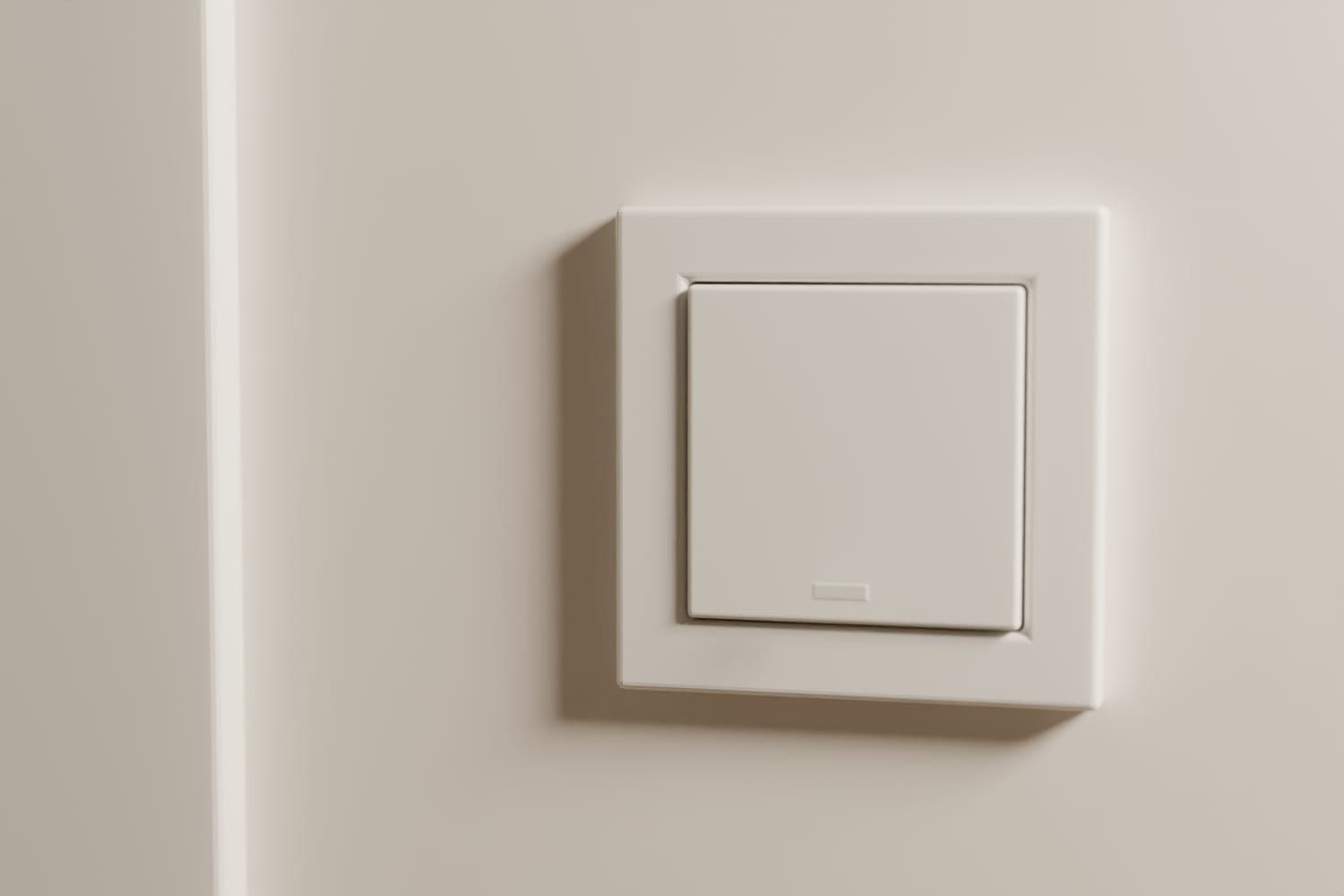
One cable and one button per flat, installed in the shell. For existing buildings, battery-free wireless buttons are planned.
Preparing the shell keeps every option open. You decide later whether and when the alert system is added.
Anyone who does not want to take part leaves the button switched off. Without the resident’s consent it stays off.
Alerts go to family, neighbours or the home-care service; property management only receives technical notices.
Button, cable and I/O module are off-the-shelf components and also work with other control systems.
The same system handles fault alerts from building services, an information screen in the entrance and sensors.
The light in the button is on: no sign of life has arrived yet today.
The light blinks as a reminder to press.
The first contact receives a text message with an “I’ll take care of it” link.
If nobody takes over, a call with a spoken message follows, then the next contact.
Tapping “I’ll take care of it” stops the chain. The times are examples; you set the deadline and times per flat. Inside the flat there is no alarm tone and no flashing light at the door.
Family members receive the alert on their phone. Settings are made in the browser, without an electrician. Property management sees every flat in cosy-connect at a glance.
Flat 2.3 · Margrit Keller
Haus am Bach · kept by the property management
Times
Late risers simply choose a later deadline, such as 11:00.
Contacts
Absences
Who keeps the settings?
The residentProperty managementAt the resident’s request, the property management keeps her settings. She still enters absences herself, and the property management never sees the reason.
Settings on the computerDraft · fictitious names
Margrit Keller
Flat 2.3 · Haus am Bach
Alert on the phoneDraft · fictitious names
Deadline, contacts and absences are on one page. A new phone number or a later deadline in winter takes just a few minutes.
The text message opens a simple page, and one tap on “I’ll take care of it” is enough. The other contacts learn who has taken over. If the sign of life arrives later after all, everyone receives an all-clear.
Done, pending, away or faulty: property management sees every flat at a glance. It never sees the reason for an absence.
Flats that keep their own settings only show whether the button is in operation. Technical notices, such as a faulty sensor, go to property management or the caretaker.
Haus am Bach · cosy-check
Today, 9:05 · 18 flats
Technical notice
Flat 1.4: the presence sensor has reported movement non-stop for three hours. It no longer counts as a sign of life. The caretaker has been informed.
Building services
Property management overview in cosy-connectDraft · example building
We are glad to coordinate with your electrical planners, ideally at the preliminary design stage.
Discuss planning ↗Sewage pump, ventilation, heating and photovoltaics report faults through the same channels. For each alert you decide who receives it and when. For the lift we only handle the fault alert; the lift emergency call stays with the supplier.
A screen in the entrance shows notices from property management, events in the common room or the menu.
cosy-vip ↗Water in the basement is reported at once; humidity, temperature and CO₂ show their history.
cosy-sense ↗A quiet system has one weakness: if it fails, nobody notices. That is why cosy-check checks the deadline in cosy-connect rather than in the building. If the technology in the building falls silent, cosy-check reports a fault. Signs of life from an internet outage are delivered later by the cosy-hub with their original time. A sensor that reports movement non-stop for hours is treated as faulty and no longer counts.
cosy-check is not an emergency call system. There is no control centre staffed around the clock and no fall detection. The alert comes at the morning deadline at the earliest. Anyone who needs help immediately after a fall still needs an emergency button. The two combine well.
We set the price per property. It depends on the number of flats, on new build or existing building and on the components you choose. You receive indicative prices for your project.
Absences pause the check. That can be a period, a fixed weekday or, at short notice, today. Residents can enter them on their phone, as can their family or property management.
You decide per flat. The resident keeps her own settings, or property management does so at her request. Changes are made in the browser, without a visit to the flat.
The button stays on the wall and property management resets the flat. The new resident decides for herself whether to take part.
Battery-free wireless buttons are planned; they draw their energy from the press itself. No new cables are needed. Because a wireless button has no light, the morning reminder is not available.
Per flat and day, cosy-check only stores whether a sign of life arrived and at what time. No movement profile is created, and property management never sees the reason for an absence.
cosy-check is being developed as a cosy-one module, and we are implementing it together with the first building projects. We align the schedule with your construction timeline.
Tell us about your project: number of flats, construction phase and electrical planning. We present the concept and clarify what needs to be planned in the shell. You receive price and scope in an individual quote.